Native scanning with review
Capture both sides, read QR codes, then confirm the card type and every field before saving.

Cardify is a free-to-download business card scanner for iPhone and iPad. Read Arabic and English cards on your device, review every field before saving, then create your own digital card to share by QR, NFC, or vCard.
The same account, card, and subscription across the app and website.
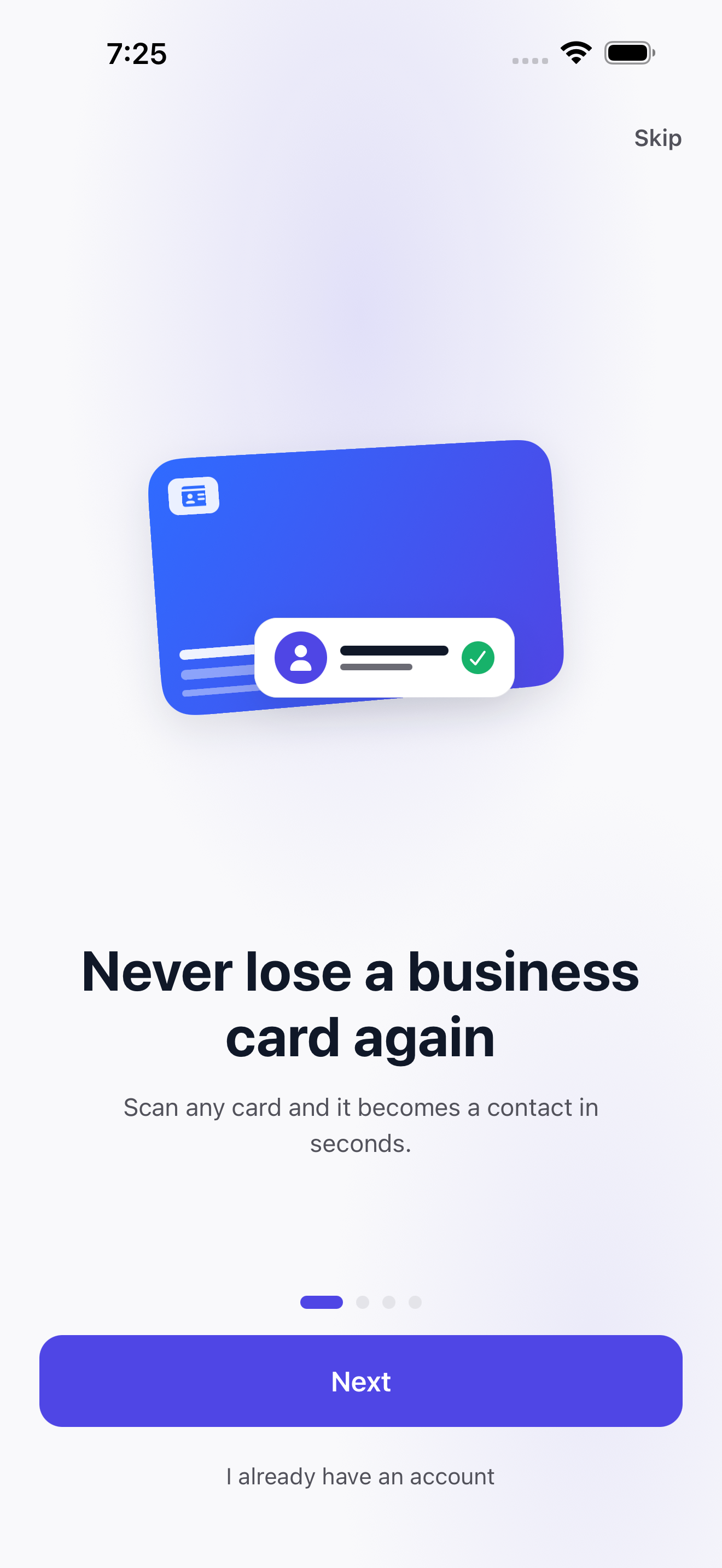
Capture both sides, read QR codes, then confirm the card type and every field before saving.
Read nearby tags or write your card link and contact details to an NFC tag.
Keep payment, loyalty, and ID cards locally with protection for sensitive photos.
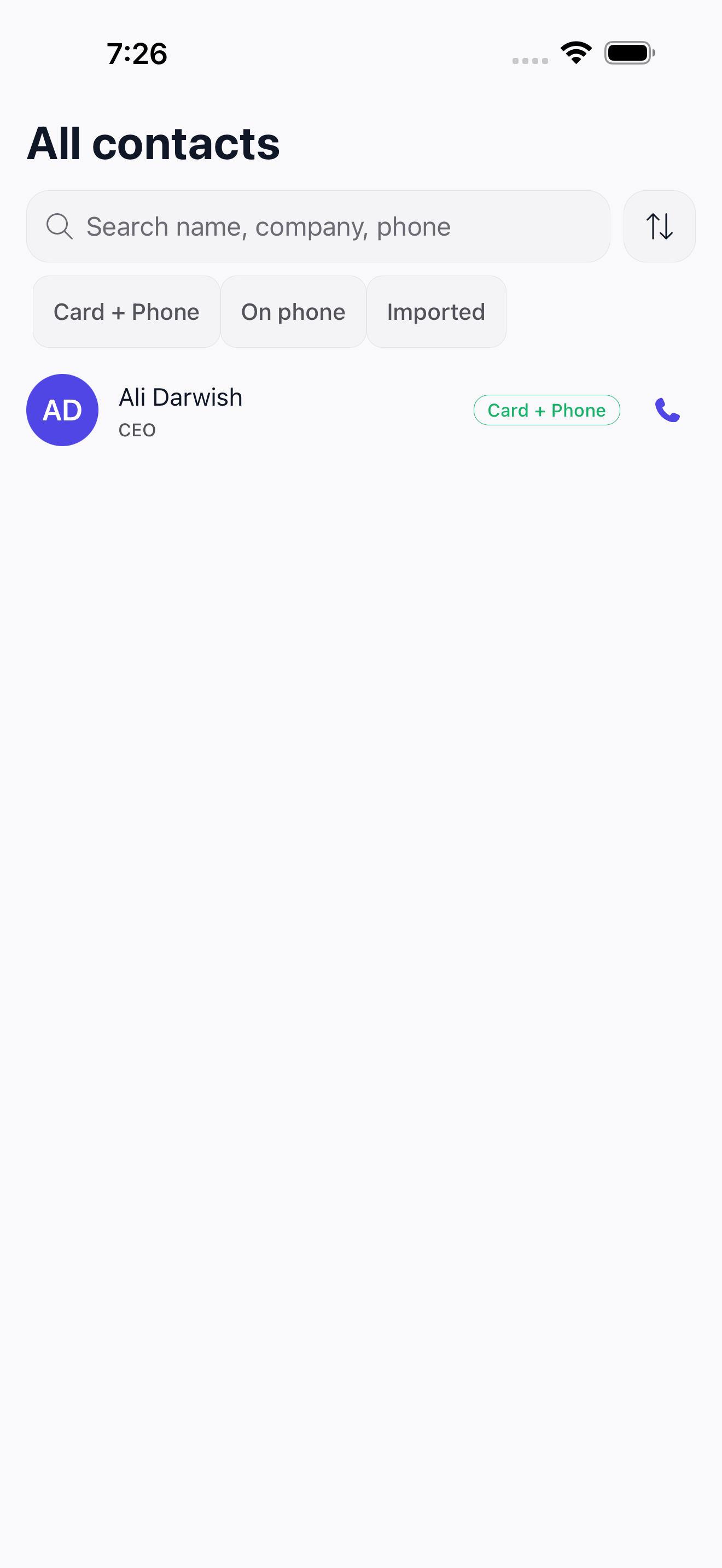
See Cardify cards and iPhone contacts together, then tidy duplicates and number issues.
Share by QR, link, vCard, or NFC, and add your digital card to Apple Wallet.
Cards, designs, teams, and analytics use the same cardify.om account.
How the on-device Arabic and English card recognition works: the business card scanner
The app and website, together
Edit your card, design, and team in the app or on cardify.om. QR and NFC links open the right live digital card, while account, company, and subscription access stays consistent.
Cardify is a business card scanner and digital business card platform for iPhone and iPad. Scan a card, review its details before saving, then create your own card to share by QR, NFC, or vCard.
Yes. Cardify reads Arabic, English, and bilingual business cards, then shows the fields for review before adding them to your contacts.
The native scanner is currently available for iPhone and iPad. You can use the Cardify web platform in a modern Android browser to create, manage, and share your digital business card.
Standard scanning and contact cleanup run on your device, so the card image is not uploaded. If you explicitly choose the optional Pro server-assisted reread for a difficult card, only the card image selected for that reread is sent.
No. Your digital card opens as a web page in the recipient's browser, and they can save your details without installing the app.
Downloading the app, standard scanning, reviewing fields, and saving contacts are free. Pro adds Apple Wallet, cross-device backup and sync, iPhone contact import, premium card templates and logo upload, and the optional server-assisted reread. Printed card orders are separate.